
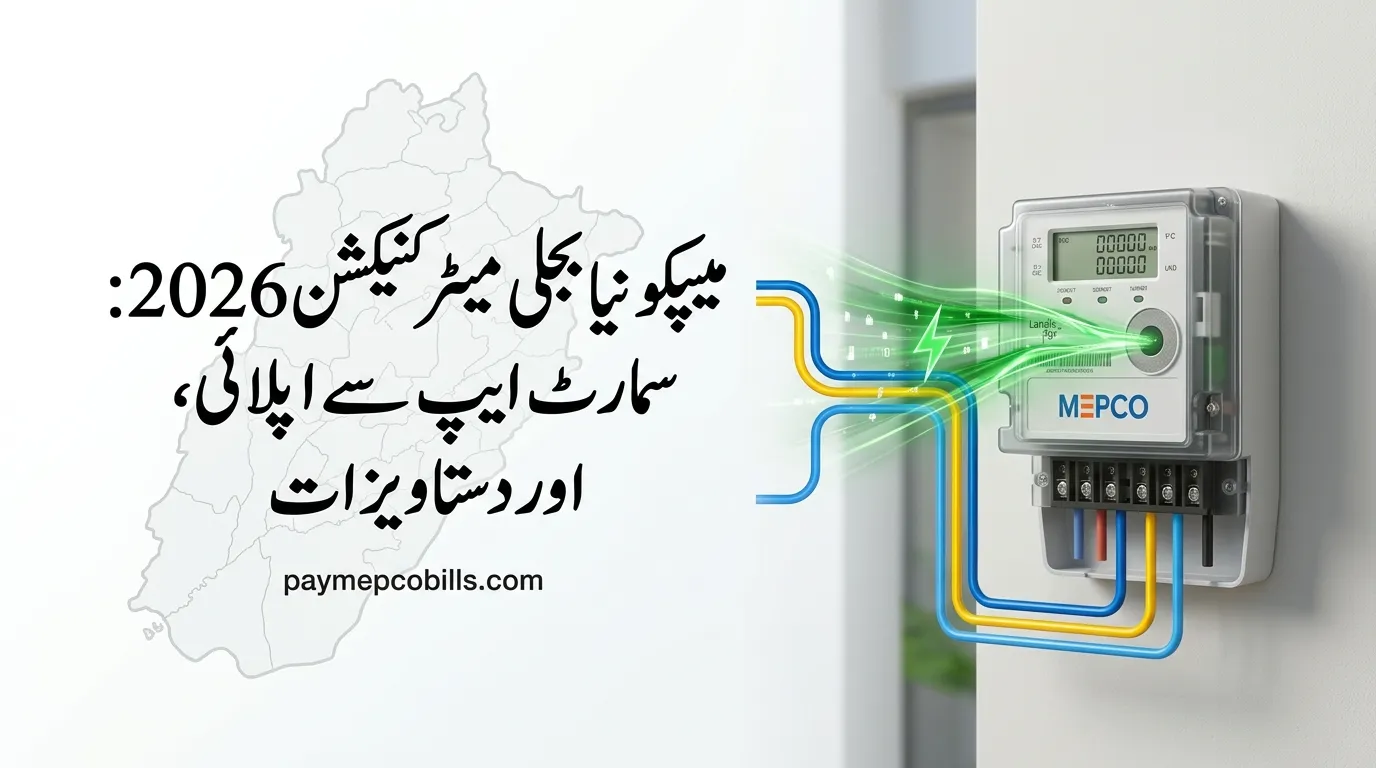
MEPCO New Connection 2026: Easy Online Apply & Fee Guide
Getting a new electricity meter installed for your new home, shop, or tube well in South Punjab is now much easier and fully digital. MEPCO has updated its system online so you no longer have to make repeated visits to utility offices.Securing a MEPCO New Connection 2026 simply requires submitting verified property documents, completing a basic wiring safety check, and paying your official Demand Notice fee. Knowing the right load requirement and document checklist ensures your application file gets approved smoothly without any rejections.
This simple guide walks you through choosing between single-phase and three-phase meters, applying step-by-step on the Smart App, understanding Demand Notice fees, and tracking your application until the meter is installed on your wall.
Single-Phase vs. Three-Phase Load Planning
Before initiating an application for a MEPCO New Connection 2026, declaring the correct sanctioned electrical load in kilowatts (kW) is essential. Your declared load dictates meter hardware requirements, billing slabs, and initial security deposits.
- Single-Phase Supply (1 kW to 4 kW): Suitable for standard residential houses running essential lights, fans, refrigerators, washing machines, and up to two inverter air conditioners. Single-phase consumers are billed under standard progressive tariff slabs.
- Three-Phase Supply (5 kW and Above): Required for larger residential properties, commercial plazas, and industrial units. When applying for a MEPCO New Connection 2026 at 5 kW or above, NEPRA regulations mandate a Time-of-Use (TOU) meter, which tracks peak and off-peak electricity consumption under separate rates.
Mandatory Documents Checklist
To ensure your application for MEPCO New Connection 2026 file passes initial desk verification at the local sub-division office, prepare attested copies of the following documents:
- Applicant & Witness CNICs: Attested copies of the applicant’s Computerized National Identity Card along with an attested CNIC copy of one witness.
- Proof of Property Ownership: Official property registry, Fard from the land record center, allotment letter, or registered sale deed confirming legal ownership.
- Affidavit on Stamp Paper: Undertaking on Rs. 50 stamp paper stating that no previous electricity dues exist on the site and that the applicant is not a defaulter.
- Wiring Contractor’s Test Report: A safety compliance certificate issued by an authorized electrical wiring contractor or Electric Inspector confirming internal wiring readiness.
- Neighbor’s Electricity Bill: A copy of a recent paid MEPCO bill from an immediate neighboring property to identify the local feeder and transformer node.
- Approved Site Plan / NOC: Building plan approval or No-Objection Certificate for properties situated inside urban municipal limits.
Step-by-Step Guide via MEPCO Smart App
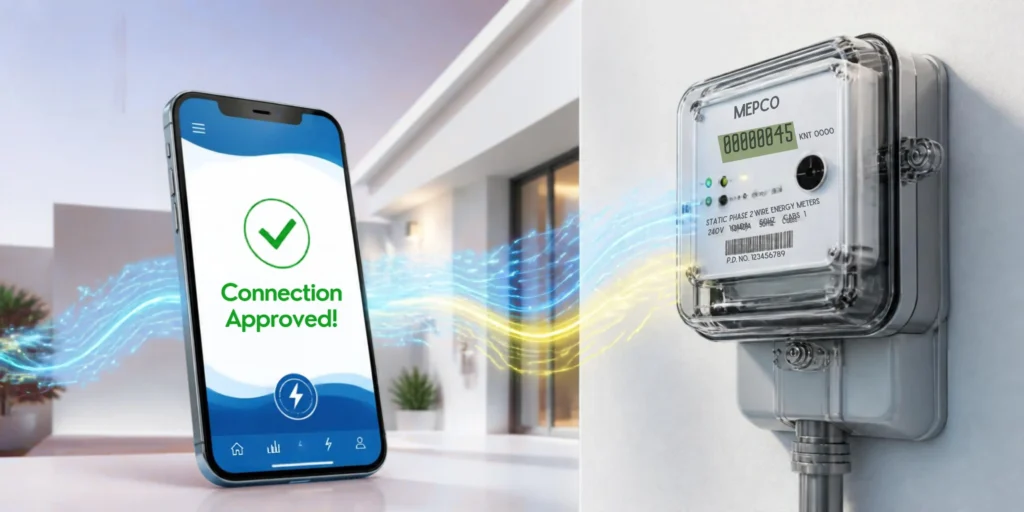
While web applications remain active, submitting your file for a MEPCO New Connection 2026 through the official MEPCO Smart App or Power Smart App provides the fastest tracking turnaround.
Step 1: Account Registration
Download the official MEPCO Smart App or Power Smart App from the Google Play Store. Create a profile using your full legal name, CNIC number, active mobile number, and email address.
Step 2: Access New Connection Section
Navigate to Services on the main menu, select Customer Facilitation, and tap MEPCO New Connection 2026. Indicate whether you are applying as a property Owner or authorized Tenant.
Step 3: Select Region and Sub-Division
Select your Area Type (Urban or Rural) and choose MEPCO as your distribution company. Enter the 14-digit reference number from your neighbor’s bill to automatically pinpoint your local feeder and sub-division.
Step 4: Input Premises and Load Details
Enter the applicant’s personal data exactly as shown on the CNIC. Specify the complete address, number of existing meters on the property, and requested load in kW.
Step 5: Upload Clear Document Scans
Upload scanned files (JPG or PDF format under 300 KB each) covering ownership proof, CNIC copies, stamp paper affidavit, neighbor’s bill, and wiring report. Agree to the terms and click Submit.
Step 6: Save Your Tracking Reference
Once submitted, the system generates a unique Tracking ID. Retain this reference number to monitor site survey status and download your payment voucher.
Read More About MEPCO Meter Replacement: Process, Cost, and Timeline 2026
Demand Notice Fees & Installation Timeline for MEPCO New Connection
Following document verification, a Line Superintendent inspects the property to verify safety clearances. Upon approval, MEPCO issues a computer-generated Demand Notice containing security deposits, meter hardware costs, and service line charges.
| Connection Category | Estimated Official Range (PKR) | NEPRA Installation Standard |
| Single-Phase Domestic (Rural) | Rs. 9,000 – Rs. 15,000 | 30 Days after payment |
| Single-Phase Domestic (Urban) | Rs. 15,000 – Rs. 25,000 | 30 Days after payment |
| Three-Phase Domestic (Urban) | Rs. 100,000 – Rs. 150,000 | 45 Days after payment |
| Single-Phase Commercial | Rs. 22,000 – Rs. 28,000 | 30 Days after payment |
Note: Pay the Demand Notice at designated bank branches and submit the paid counterfoil receipt to your sub-division office to issue the Service Connection Order.


One Comment