
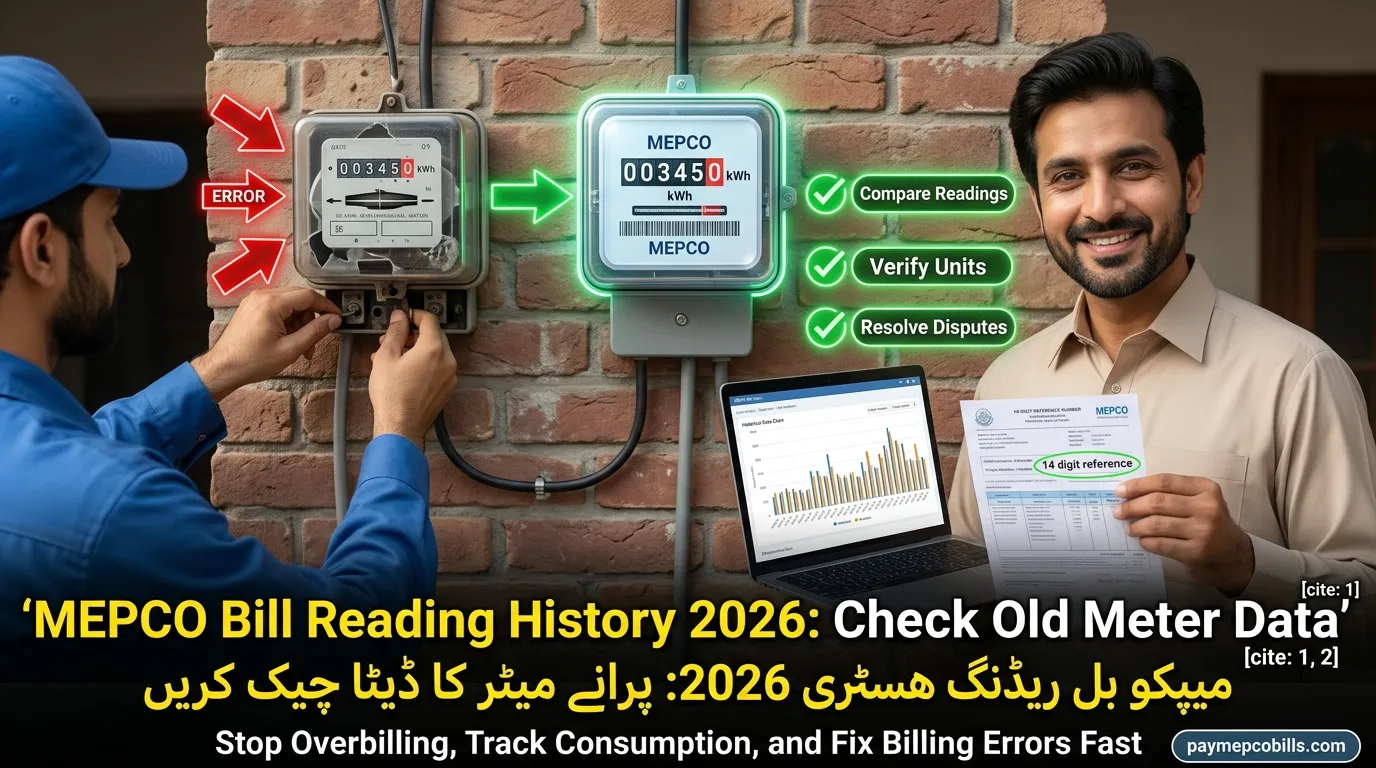
MEPCO Bill Reading History 2026 Check Old Meter Data Guide
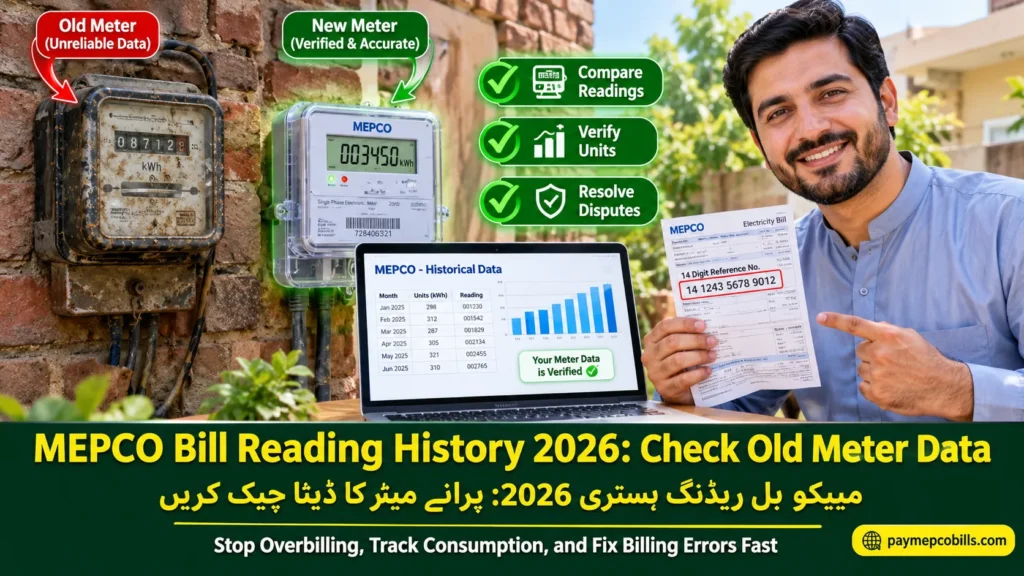
Monitoring seasonal power usage across South Punjab requires consistent access to past utility records. Multan Electric Power Company maintains full digital logs of monthly consumption figures, meter picture snapshots, and billing amounts for all registered residential, commercial, and industrial connections. Reviewing your official MEPCO Bill Reading History allows account holders to detect meter reading errors, verify peak hour unit charges, and track slab escalation patterns effectively. Accessing archived data ensures you never pay for unconsumed electricity or unverified average billing estimates. This detailed manual explains how to view historical meter logs online, download past reference statements, resolve wrong reading complaints, and audit utility charges across all billing cycles.
Why You Should Check Your Past Meter Records
Regularly auditing your electricity consumption history protects your household or business from sudden administrative overcharges. Utility meters can occasionally produce incorrect data due to human entry mistakes, faulty terminal displays, or estimated average billing applied by subdivision staff.
Key benefits of checking past billing data include:
- Detecting False Average Billing: Identifying months where actual physical readings were skipped and replaced with arbitrary estimated units.
- Verifying Meter Photo Snapshots: Cross-checking the digital meter image printed on your bill against physical meter dial figures.
- Auditing Seasonal Usage Trends: Comparing current summer or winter power consumption against the same months from previous years.
- Filing Corrective Disputes: Providing documented evidence when submitting formal rectification applications at local sub-division offices.
Checking your MEPCO Bill Reading History consistently creates an undeniable digital record to protect your account against overbilling.

Read More About MEPCO Unit Price per Unit Rates 2026 Calculate Bill Costs Guide
Essential Information Displayed in Reading Records
When you access archived utility statements or online consumption portals, several key technical indicators appear on your historical report.
Understanding these parameters helps you evaluate overall energy efficiency:
- 14-Digit Reference Number: The unique account identification code assigned to your physical property location.
- Monthly Consumed Units (kWh): Total kilowatt-hours recorded between monthly meter reading dates.
- Reading Snapshots: High-resolution digital photographs taken by field meter readers showing the physical screen count.
- Off-Peak and Peak Distribution: Breakdown of units consumed during high-demand time slots versus standard operational hours.
- Billing Amounts and Payment Status: Record of charged totals, applied taxes, and payment clearance dates.
Evaluating these details through your MEPCO Bill Reading History provides complete visibility into your property’s electrical consumption patterns.
Read More About MEPCO Meter Change Application 2026 Fast Online Process Guide
Step-by-Step: How to Check Reading Records Online
Accessing your archived meter data no longer requires visiting regional customer service centers or waiting in long queue lines.
Follow these simple steps to retrieve past billing data online:
Step 1: Open the Official Web Portal
Launch your internet browser and visit the official MEPCO bill checking portal or the central Customer Complaint Management System (CCMS).
Step 2: Locate the History Section
Navigate to the dedicated customer portal menu and select the meter reading or duplicate bill option.
Step 3: Enter Your Reference Number
Input your active 14-digit reference number (found on any previous paper bill) without spaces or special characters.
Step 4: View Consumption Logs
Click submit to display your complete billing statement, including past 12-month unit charts, reading dates, and snapshot links.
Step 5: Save or Print Records
Download the generated PDF record to your computer or mobile device for future financial auditing and record-keeping.
Checking your MEPCO Bill Reading History online offers a convenient, transparent way to verify monthly power expenses.
How Field Staff Record Monthly Readings
Understanding how distribution staff capture monthly electricity consumption helps consumers spot potential data entry mistakes early.
The physical reading process involves these specific operational steps:
- Mobile App Meter Reading: Field meter readers use specialized Android devices equipped with optical cameras to scan meter screens.
- GPRS Data Transfer: Captured reading images and kWh numbers are uploaded directly to central servers in real time.
- Automated Exception Alerts: System algorithms flag sudden spike readings or zero-consumption logs for manual verification.
- Bill Generation: Verified unit figures pass through tariff slab calculators to generate the final monthly statement.
Reviewing your MEPCO Bill Reading History ensures that field staff data entries match your actual physical meter hardware.
Correcting Incorrect Meter Readings and Bills
When a review of your historical data reveals clear reading discrepancies or wrong unit entries, immediate administrative action prevents financial penalties.
Follow these corrective steps:
- Take a Clear Meter Photo: Capture a high-resolution photograph of your current physical meter screen showing the active kWh reading and serial number.
- Gather Historical Proof: Print your recent MEPCO Bill Reading History highlighting the specific month where the entry error occurred.
- Visit Your Sub-Division Office: Submit a written correction application addressed to the Sub-Divisional Officer (SDO).
- Request On-Site Verification: Ask the technical team to issue a revised bill based on actual physical screen figures.
Comparing actual meter numbers against your MEPCO Bill Reading History simplifies the billing dispute resolution process.
Long-Term Benefits of Tracking Consumption Data
Maintaining accurate historical records provides long-term financial advantages for residential homeowners and commercial managers alike.
By tracking long-term trends, consumers can:
- Optimize Solar Net Metering: Monitor green energy export units against imported grid power to maximize monthly net solar savings.
- Control Peak Hour Costs: Adjust high-power equipment usage during peak hours to maintain lower average tariff rates.
- Prevent Unnecessary Surcharges: Avoid late payment fees by identifying billing date shifts across historical billing cycles.
Utilizing your MEPCO Bill Reading History regularly keeps your electricity overhead manageable, accurate, and completely transparent.


One Comment