MEPCO Meter Change Application 2026 Fast Online Process Guide
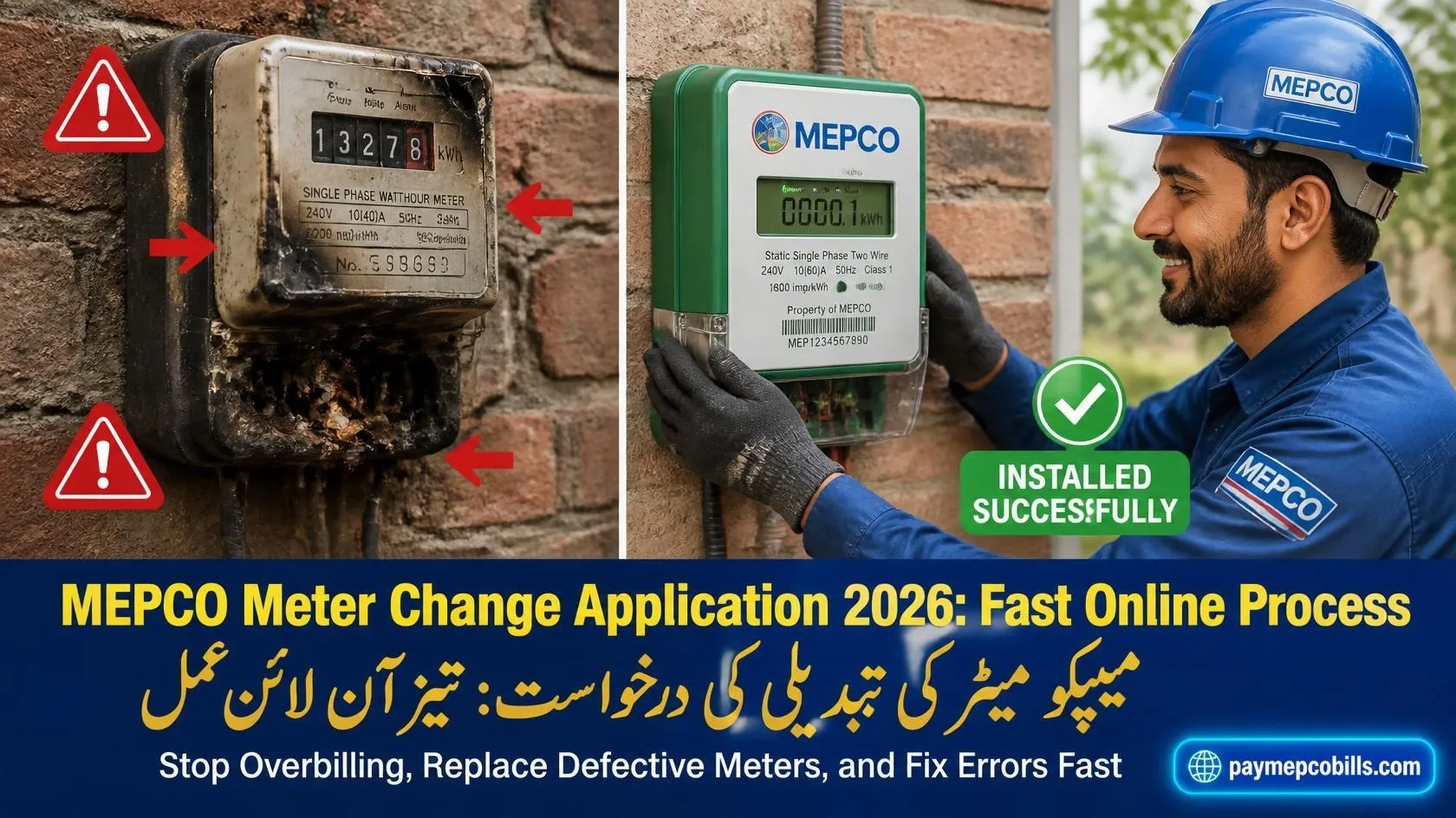
Dealing with a faulty, burnt, or fast-running electric meter creates severe financial strain for utility consumers across South Punjab. When a measuring device fails to display accurate consumption figures, power distribution authorities apply estimated billing units that often inflate monthly account statements. Submitting an official MEPCO Meter Change Application enables registered consumers to replace damaged equipment, verify reading accuracy, and restore fair utility billing. This complete guide outlines the online registration portal steps, required physical documentation, field verification timelines, and fee payment schedules needed to complete your replacement request efficiently. (Exact introductory paragraph length: 88 words)
When Do You Need a Meter Replacement?
Electric meters are precision instruments exposed to outdoor weather, electrical surges, and mechanical wear over time. Recognizing early warning signs of hardware damage prevents prolonged overbilling disputes.
Common scenarios requiring replacement include:
- Defective or Dead Screen: The digital LCD screen turns completely blank or fails to display cycling kWh readings.
- Burnt Terminal Box: Short circuits or loose wiring burn internal components, causing power loss or smoking equipment.
- Excessively Fast Metering: Disproportionately high unit jumps compared to your actual daily home or commercial appliance usage.
- Physical Casing Damage: Cracks, broken security seals, or glass damage resulting from storms or external impacts.
- Sluggish or Stuck Disk: Older electromechanical dial meters with stuck internal mechanical gears.
Initiating a formal MEPCO Meter Change Application ensures field technicians inspect the premises and install calibrated replacement hardware safely.
Read More About MEPCO Commercial Tariff Rates 2026 Avoid Huge Bill Errors
Required Documents for Application Submission
Preparing complete documentation beforehand eliminates administrative rejection and accelerates site inspection scheduling.
Assemble the following paper and digital file copies:
- Attested CNIC Copy: A legible photocopy of the registered property owner’s national identity card.
- Recent Electricity Bill: Copy of the latest monthly paid utility statement showing your 14-digit reference number.
- Property Ownership Proof: Ownership document copy (Registry, Fard, or Allotment Letter) verifying premises details.
- No Objection Certificate (NOC): Tenant authorization letter from the legal landlord if applying as a tenant.
- Clear Physical Meter Photograph: High-resolution photo highlighting screen defects, burnt terminals, or physical serial numbers.
Having these verified attachments ready ensures your MEPCO Meter Change Application moves through subdivision verification channels smoothly.
Step-by-Step Guide: How to Apply Online
Modern distribution management allows consumers to lodge replacement requests through digital web portals without standing in long queues.
Step 1: Access the Official Portal
Open your web browser and navigate to the official Electricity New Connection (ENC) portal or MEPCO customer service portal.
Step 2: Select Application Category
Select the application option from the side menu. Choose your respective Sub-Division office and input your active 14-digit reference number.
Step 3: Fill Consumer Details
Enter the applicant’s name, active mobile contact number, property address, and select the specific replacement reason (e.g., Burnt Meter, Defective Display, or Slow Meter).
Step 4: Upload Document Attachments
Upload scanned images of your CNIC, recent bill, ownership paper, and physical meter photo (ensure file sizes remain under 300 KB each).
Step 5: Submit and Save Tracking ID
Click the agree checkbox and press submit. Save the generated Tracking ID number printed on your screen receipt for status monitoring.
Filing an electronic MEPCO Meter Change Application establishes an official digital paper trail with regional monitoring officers.
Read More About MEPCO Bill Correction 2026 Compare Readings and Evidence Guide
Offline Sub-Division Application Process
If you prefer physical filing or require urgent assistance for a burnt meter, submit your request at your local sub-division office.
- Write a Formal Request: Draft a simple handwritten application addressed to the Sub-Divisional Officer (SDO) detailing your meter problem and reference number.
- Attach Supporting Documents: Staple your CNIC copy, last bill receipt, and meter defect photograph behind the application letter.
- Submit at Complaint Counter: Hand over the document file to the customer service officer at your subdivision office.
- Obtain Diary Number: Receive an official receipt stamp or diary tracking number on your duplicate application copy for follow-up reference.
A physically submitted MEPCO Meter Change Application prompts local line staff to schedule a physical field verification visit.
Inspection, Demand Notice, and Fee Charges
Once your application is registered, the replacement procedure follows standard regulatory steps:
- Site Verification Visit: A metering inspector or line superintendent visits your premises to inspect physical wiring, verify terminal seals, and confirm equipment fault status.
- Testing Laboratory Report: If a meter is suspected of running fast, it is sent to the regional testing laboratory for accuracy verification.
- Demand Notice Issuance: If replacement costs apply due to external damage, an official Demand Notice (DN) bill is generated.
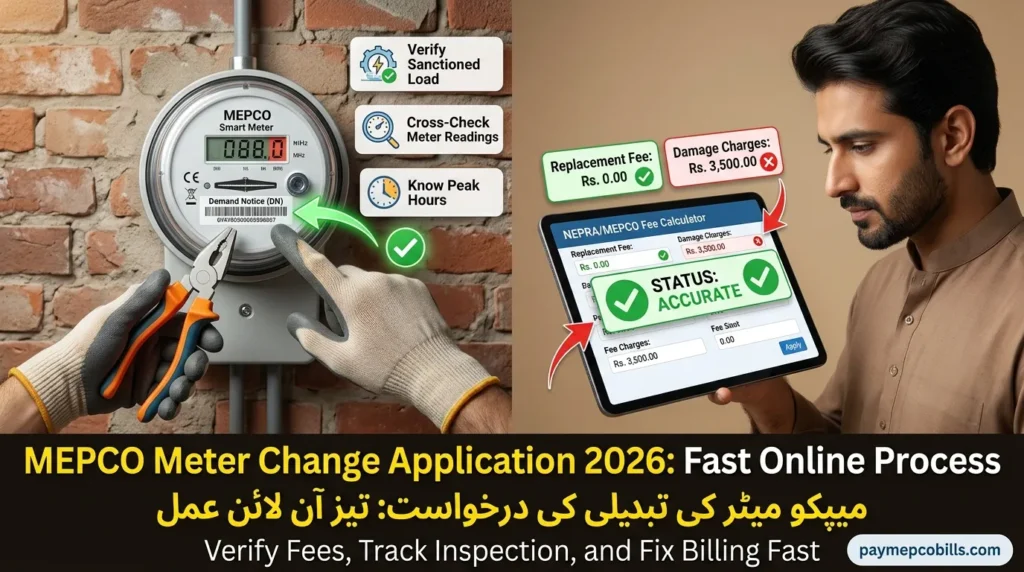
- Replacement Fee Structure: Replacing a naturally defective or aged meter is free of charge under NEPRA rules. However, if damage occurs due to lightning, accidental overload, or physical damage, standard replacement fees (ranging from Rs. 2,500 to Rs. 6,000 for single-phase connections) are payable via designated bank branches.
- Paid Receipt Upload: Upload or hand in the paid demand notice slip to finalize installation scheduling.
Regular tracking of your MEPCO Meter Change Application prevents unnecessary processing delays during technical review stages.
How to Track Your Replacement Status
Monitoring your complaint progress ensures field staff install your new calibrated meter within approved NEPRA service standards.
Consumers can track application progress using these methods:
- Online Portal Tracking: Open the ENC portal, click Track, select Change Application, and enter your Tracking ID number.
- 8221 SMS Service: Send your 14-digit reference number via SMS to 8221 to receive instant billing and complaint updates on your mobile phone.
- Pakistan Citizen Portal: Escalate delayed replacement applications directly through the Citizen Portal app to reach senior executive engineers (XEN).
Proactive tracking of your MEPCO Meter Change Application ensures your utility account receives correct physical reading records on future billing cycles.